What you can do with ScrapePass
Turn web pages into clean data. No coding required. Pick a use case to see it step by step.
All use cases
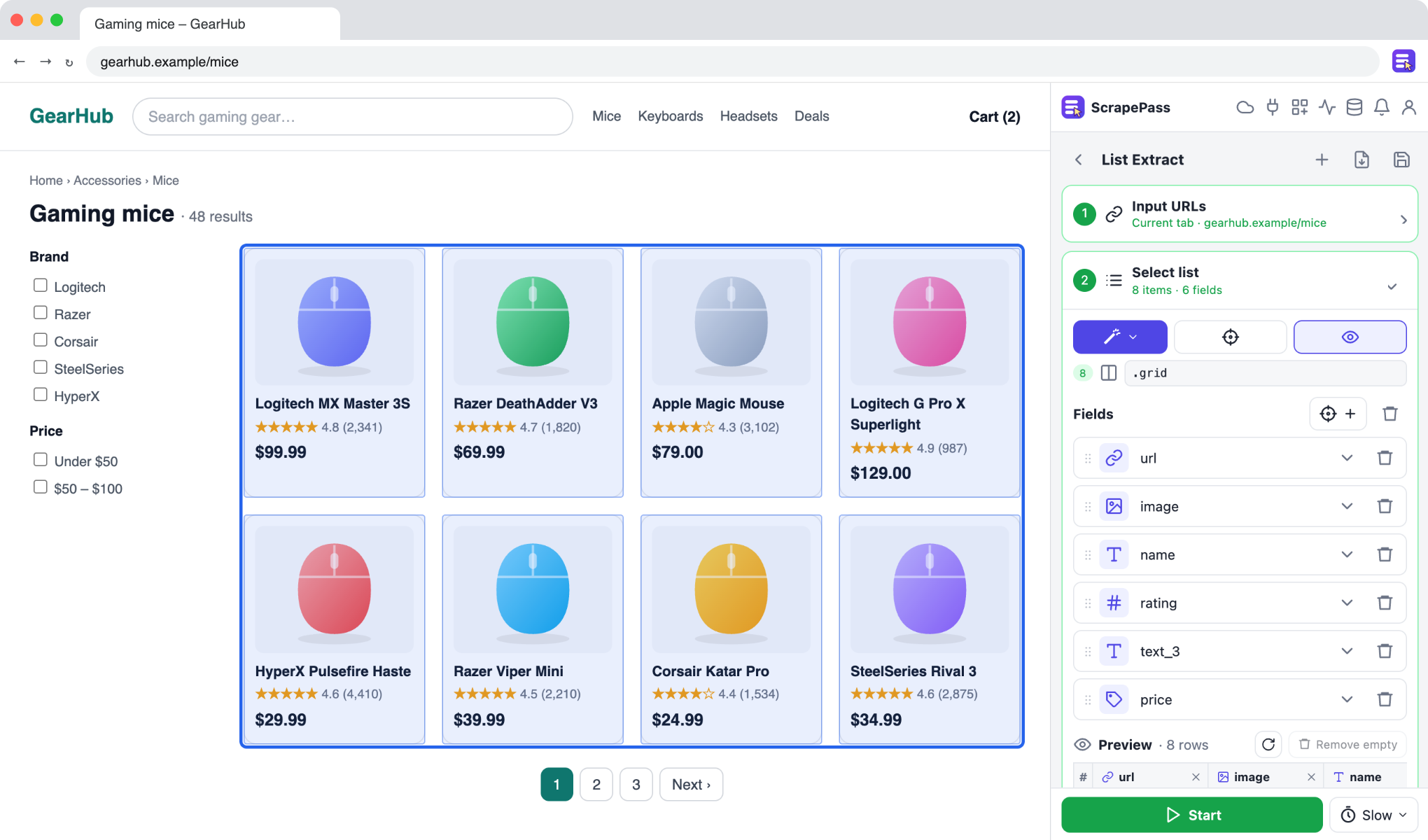
Turn product listings into a spreadsheet
Collect names, prices, ratings, and links from any store’s search results or category pages.
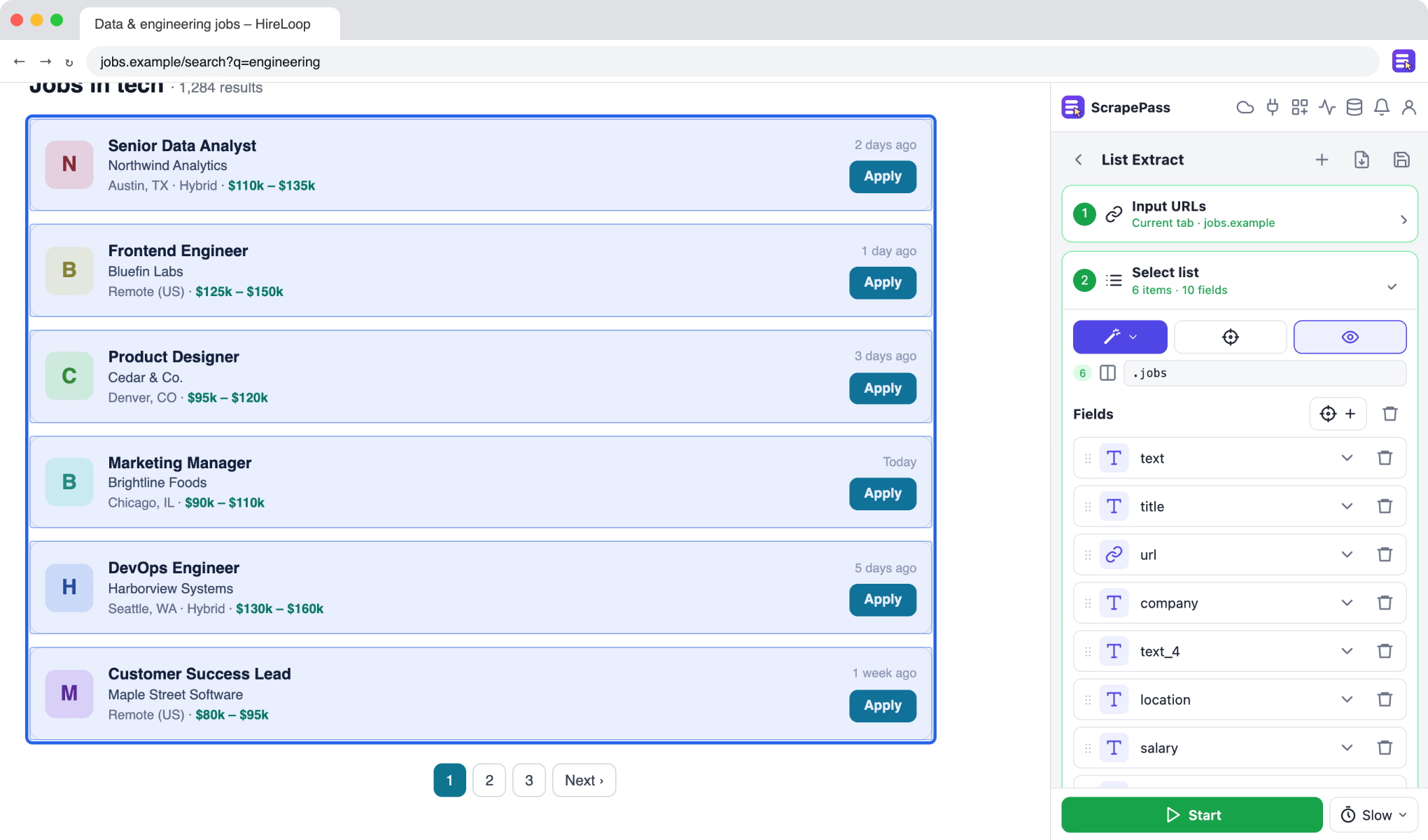
Track job listings in one table
Gather job titles, companies, locations, and salaries from job boards into one sheet.
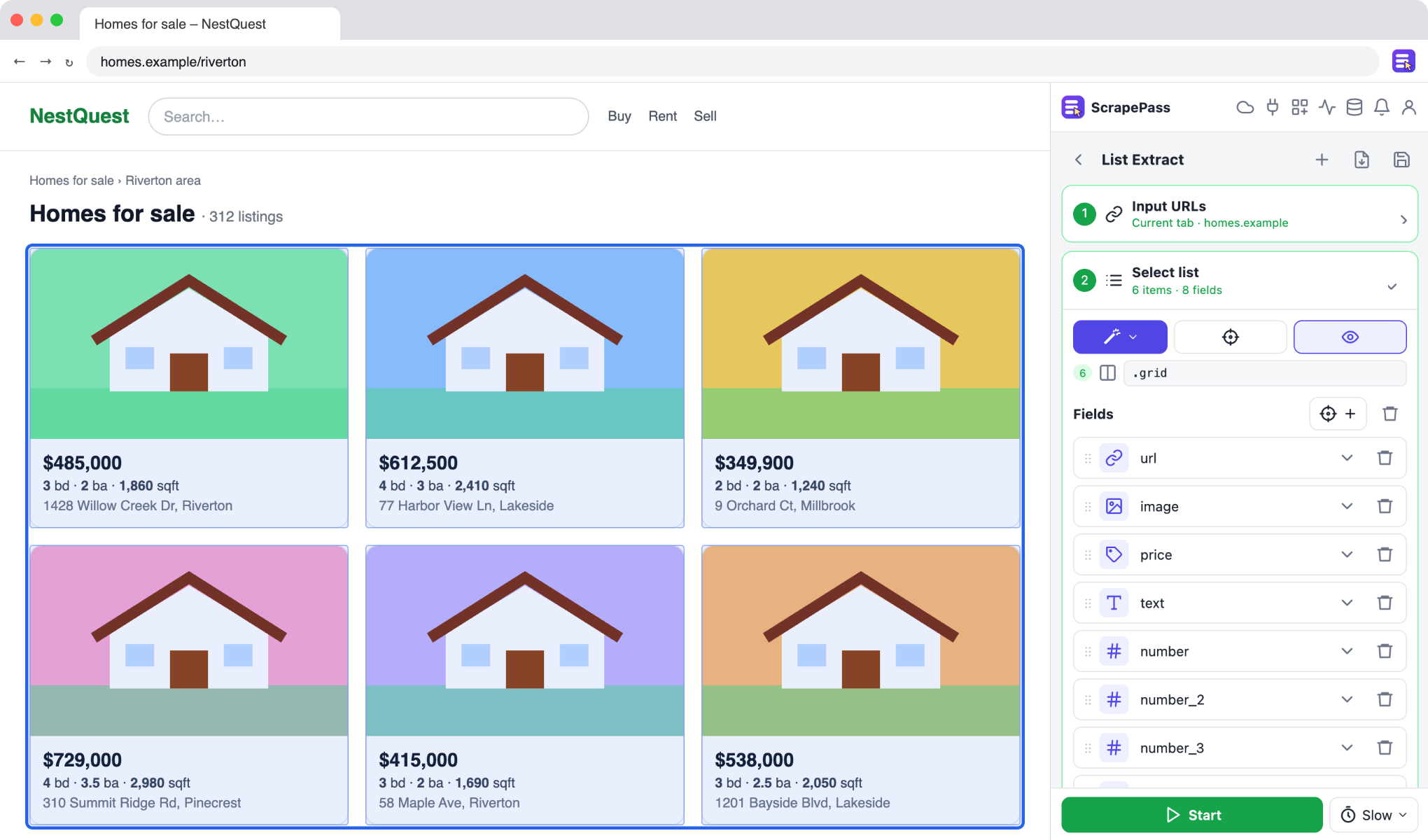
Compare property listings
Put addresses, prices, bedrooms, and sizes from listing pages side by side.
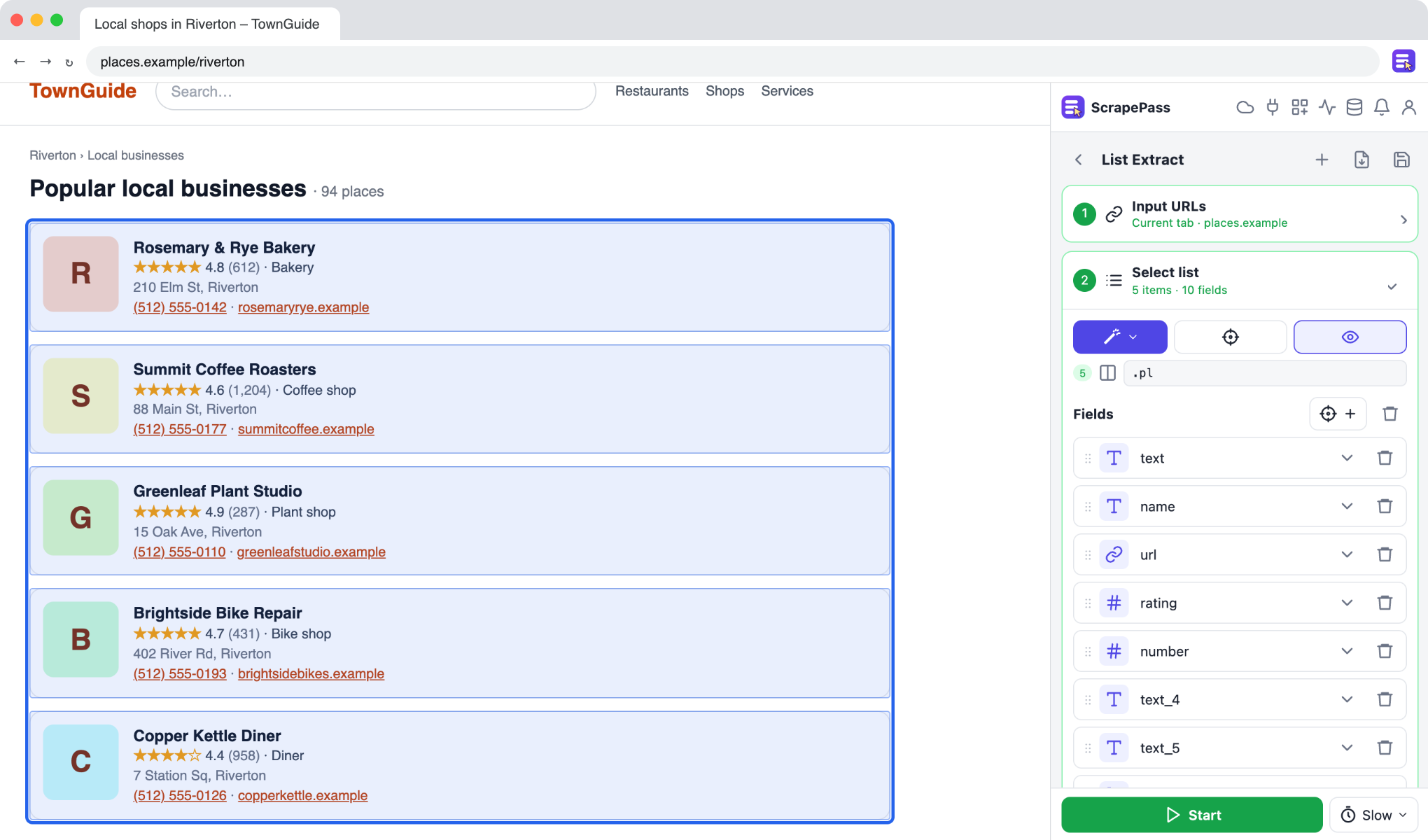
Build a list of local businesses
Collect names, ratings, phone numbers, and addresses from directories and map results.
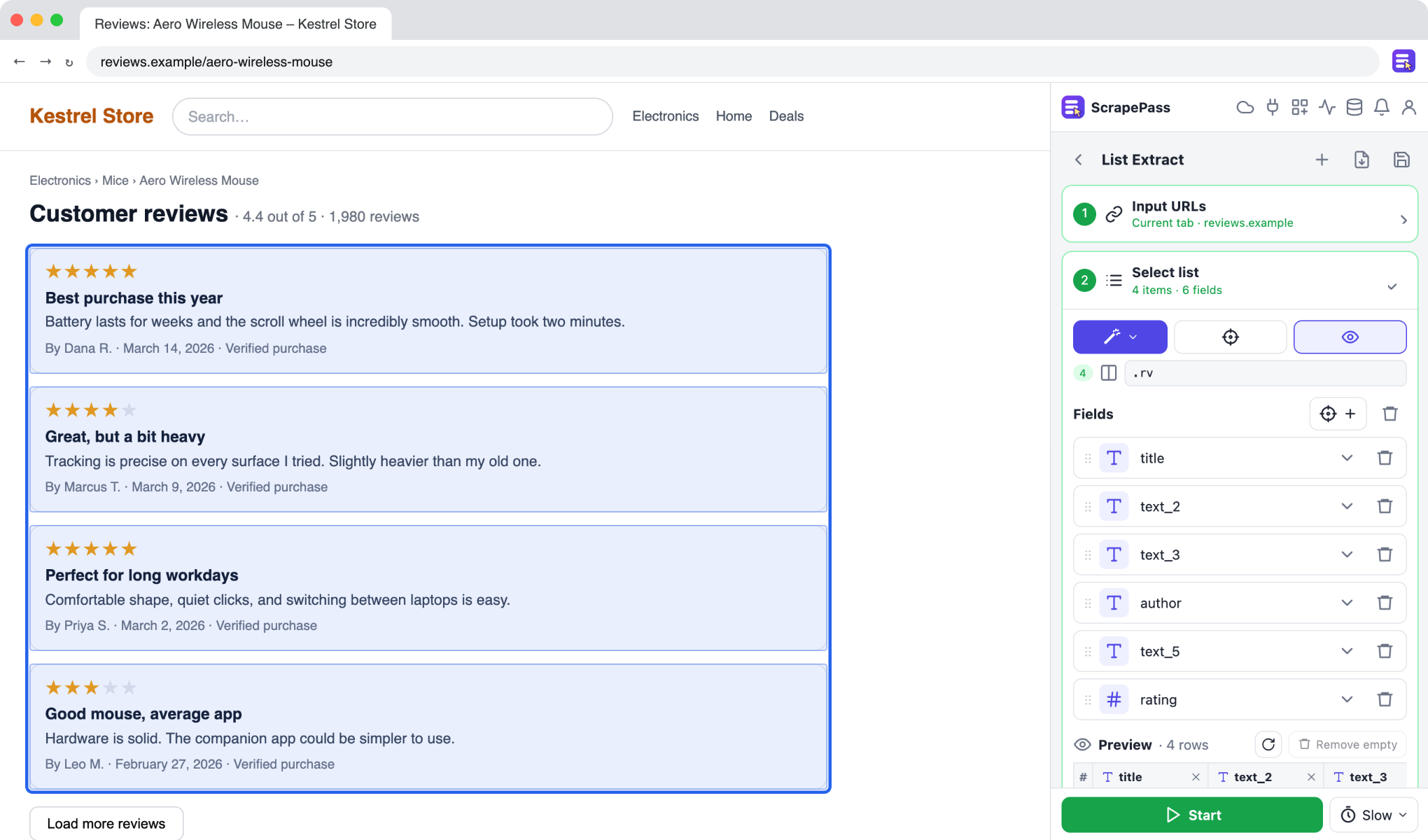
Analyze customer reviews
Export review ratings, titles, text, and dates, including star ratings shown as icons.
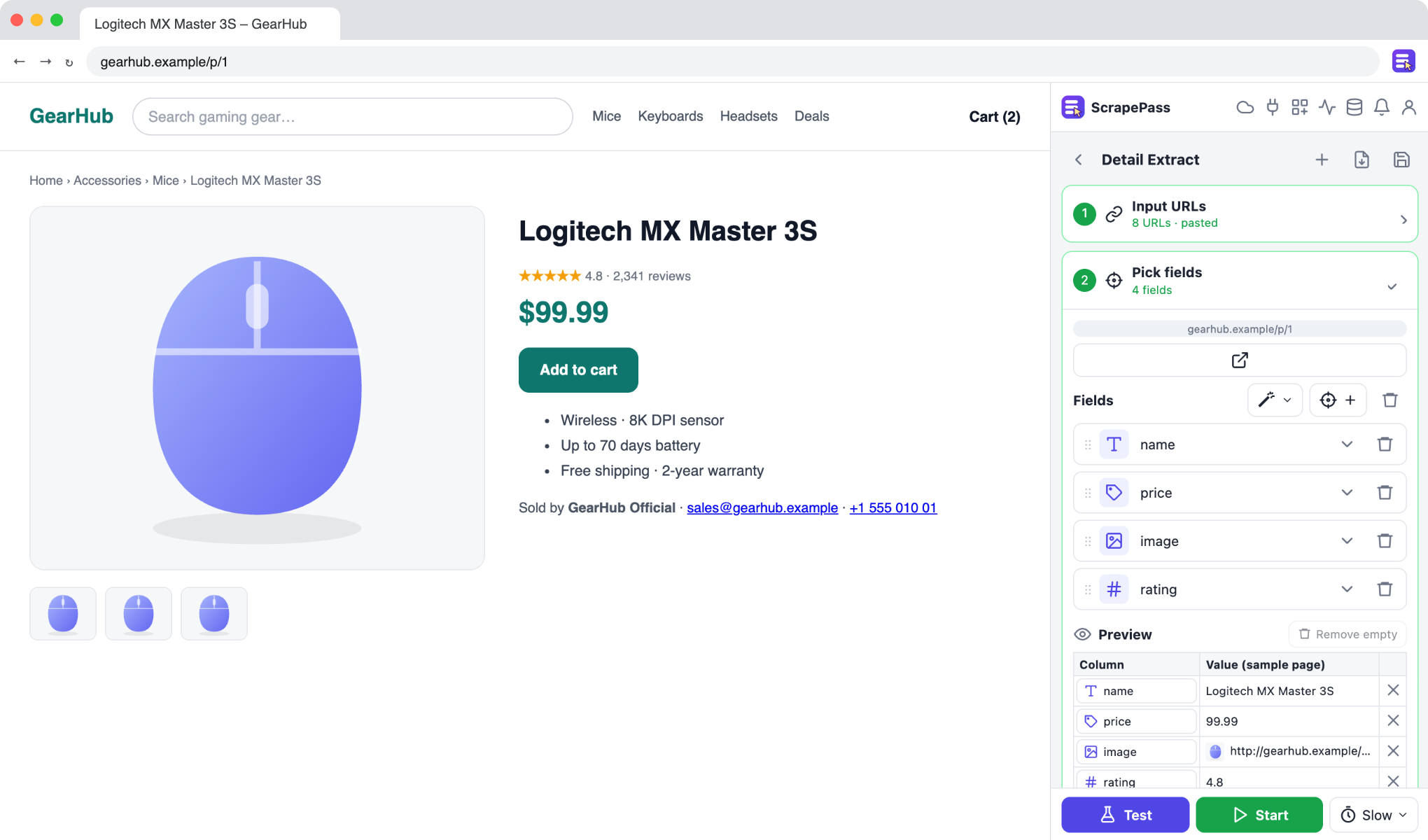
Enrich a list of URLs with page details
Start from a list of links and pull the same details from every page.
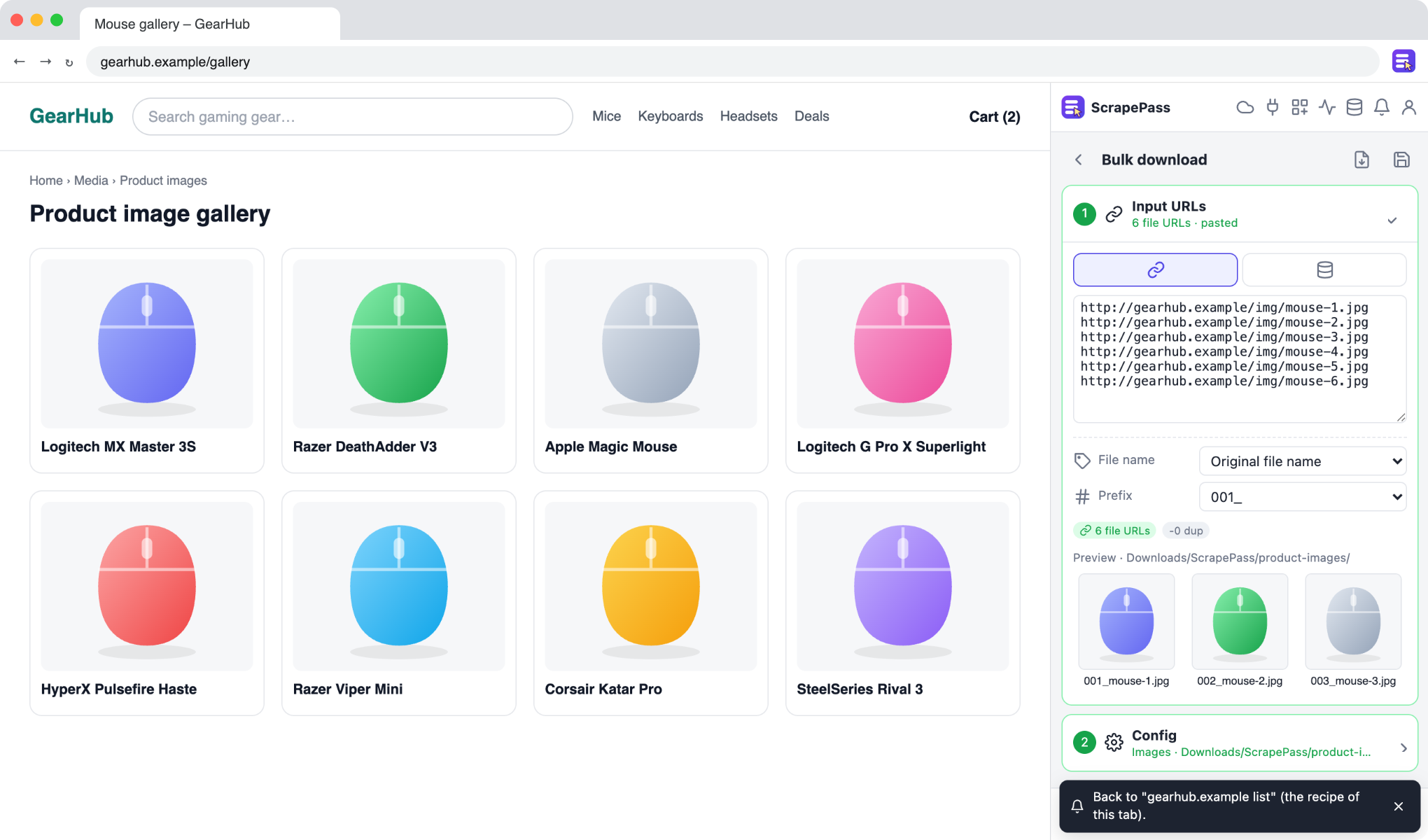
Download images in bulk with clean file names
Save every image from a list or a dataset column into a folder, named the way you want.
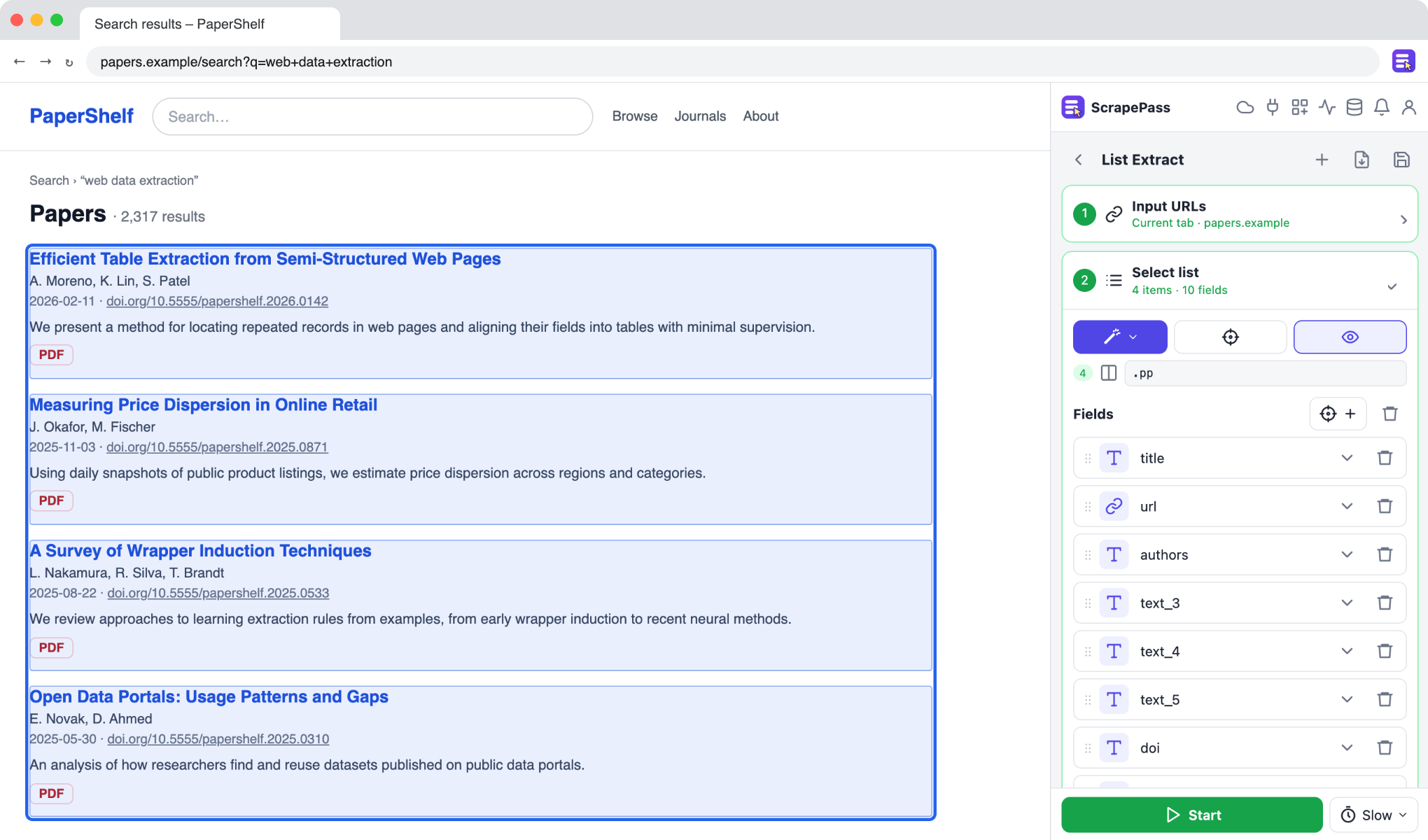
Collect research papers and documents
Gather titles, authors, dates, abstracts, and PDF links from paper listings.
How it works
Open a page
Open any listing, search result, or detail page and open ScrapePass in the side panel.
Select the data
Auto-detect or Magic finds the list and its fields. Adjust or add fields with a click.
Export
Run it across every page, then export to Excel, CSV, or JSON.
Know someone who needs this?
Share these use cases with your team or friends.
Start extracting in a minute
Install the extension, open the side panel, and select the data you want.
Add to Chrome