← All use cases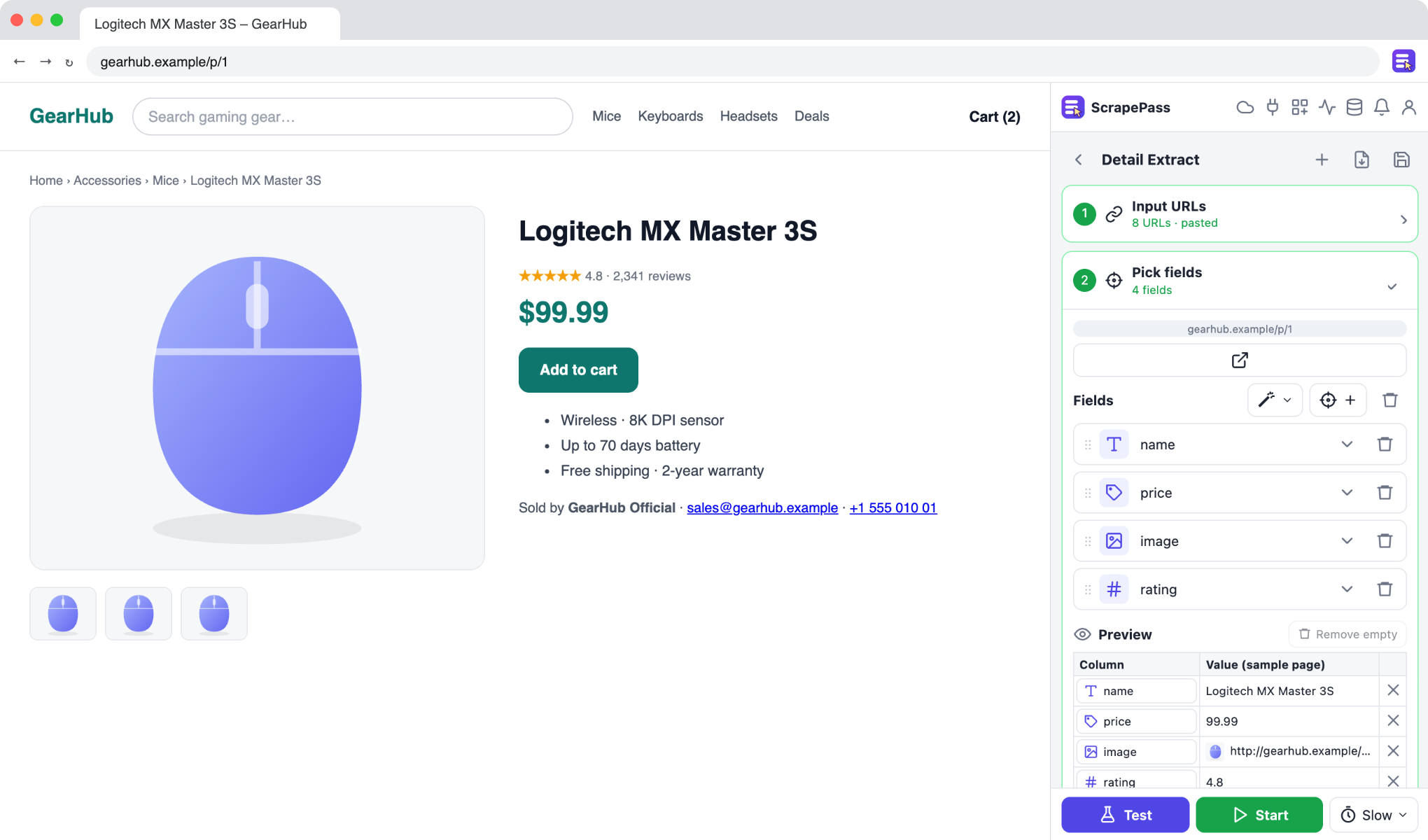
ScrapePass in the side panel, on an example page. The fields on the right were found automatically.
Enrich a list of URLs with page details
Start from a list of links and pull the same details from every page.
Detail ExtractNo coding required
How to do it
- 1Paste URLs, upload a CSV, or use a column from an existing dataset.
- 2Open one of the pages and select the fields you want, or use Auto-detect.
- 3Run it: ScrapePass visits each URL and fills in the table.
- 4Export the enriched table.
Only extract data you have the right to access and use, and follow each site’s terms.