← All use cases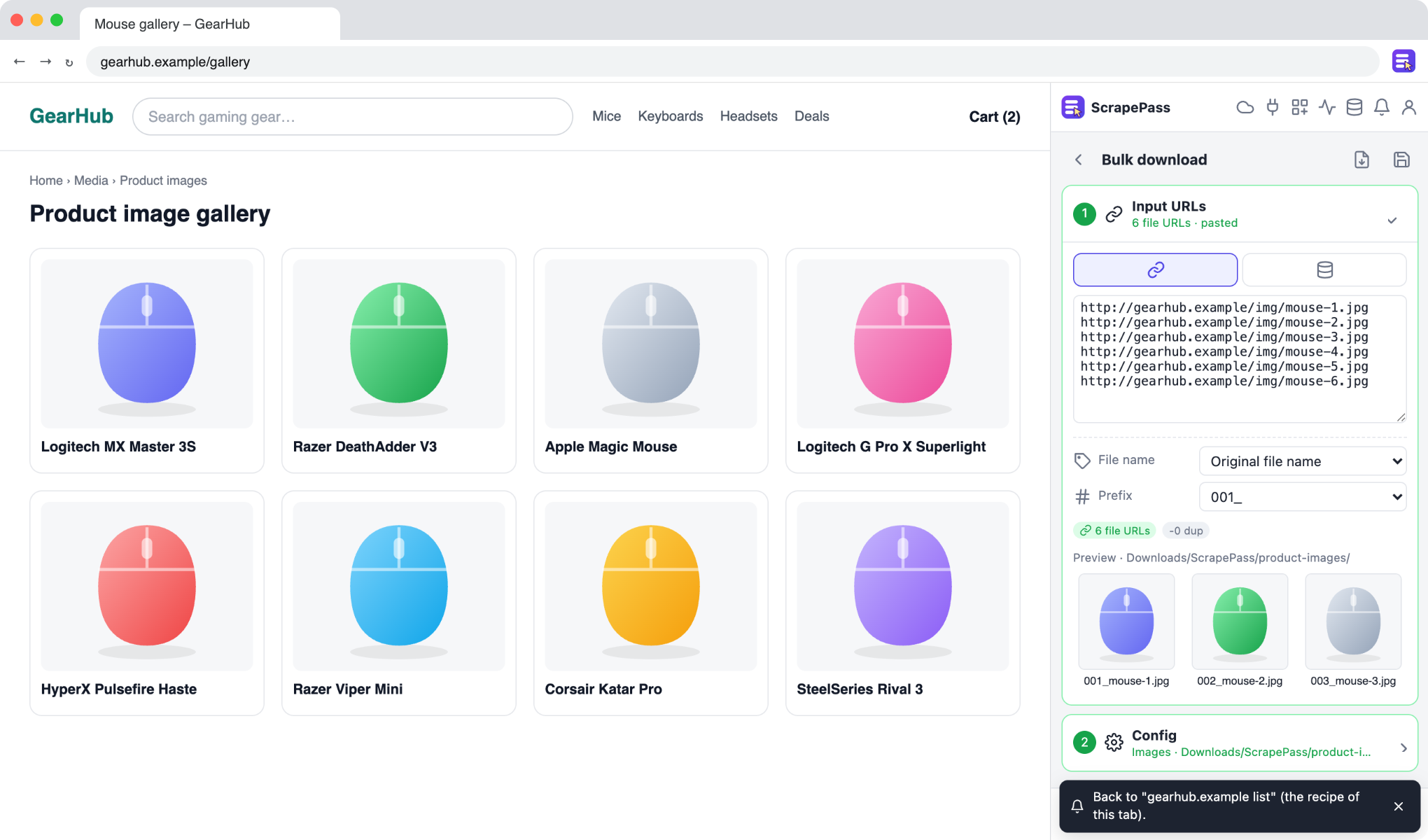
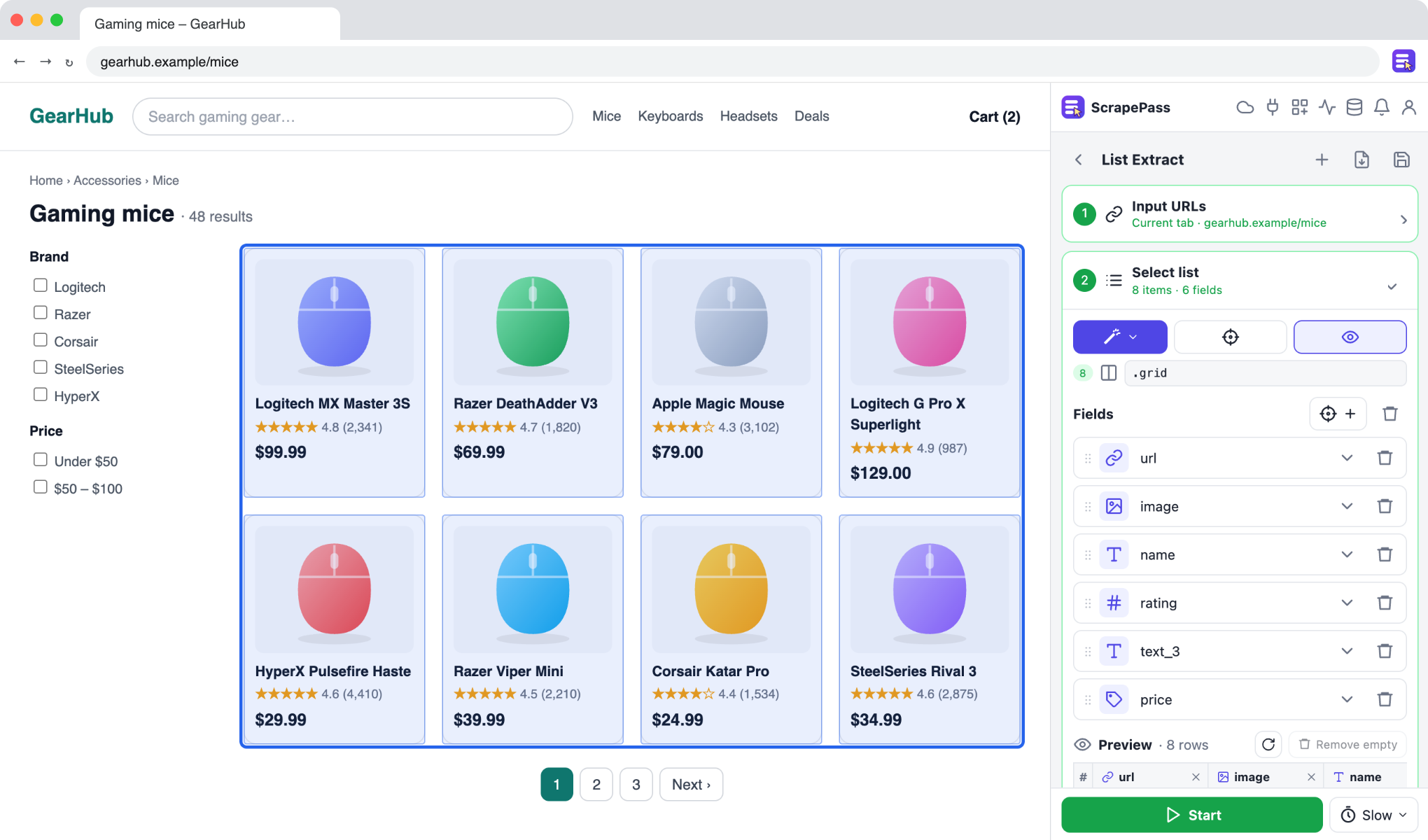
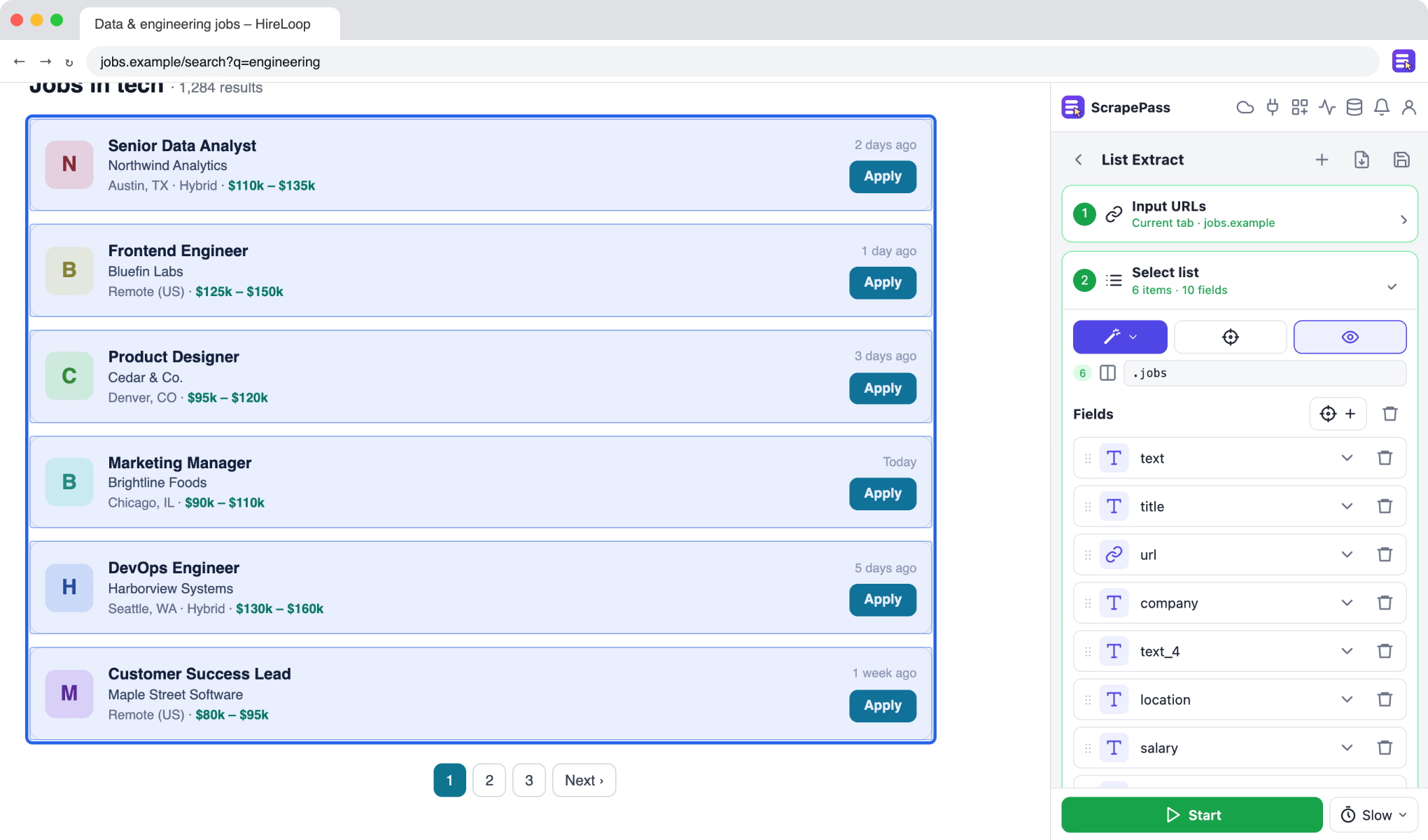
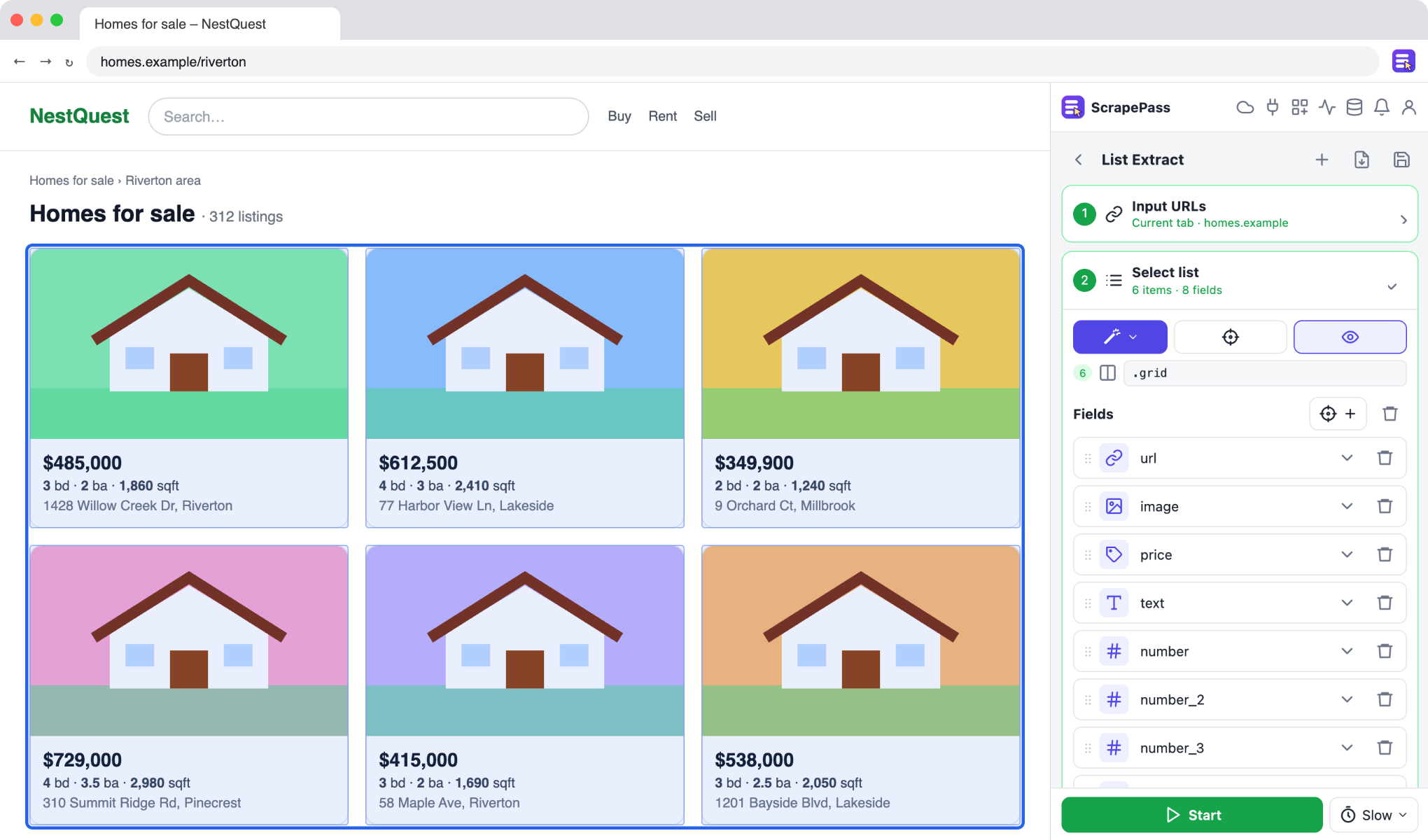
ScrapePass in the side panel, on an example page. The fields on the right were found automatically.
Download images in bulk with clean file names
Save every image from a list or a dataset column into a folder, named the way you want.
Bulk downloadNo coding required
How to do it
- 1Paste image URLs or choose an image column from an existing dataset.
- 2Pick the file names: the original names, or a column such as the product name, with a number prefix.
- 3Choose a folder inside Downloads and start.
- 4Every file is listed in the run’s table with its status.
Only extract data you have the right to access and use, and follow each site’s terms.