← All use cases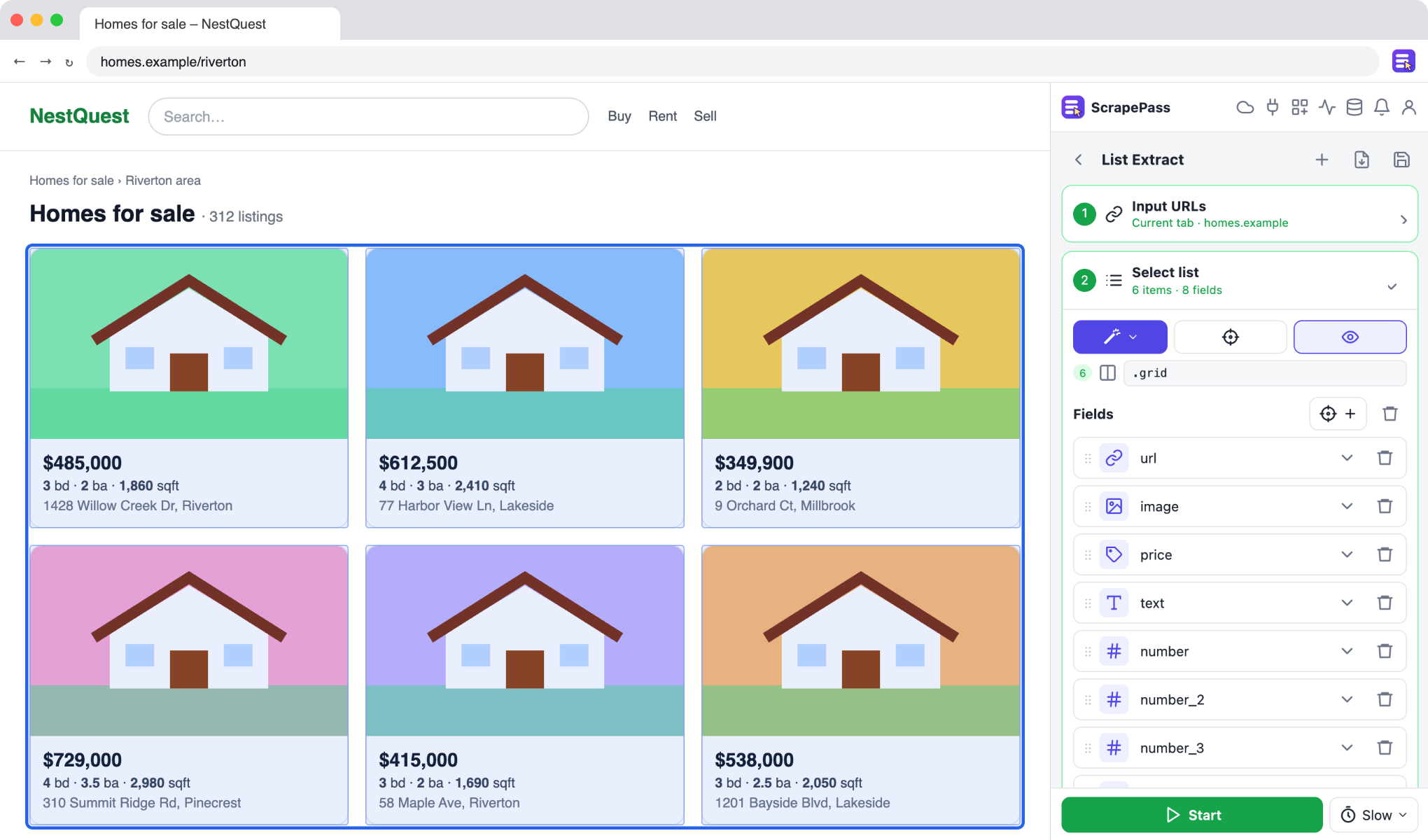
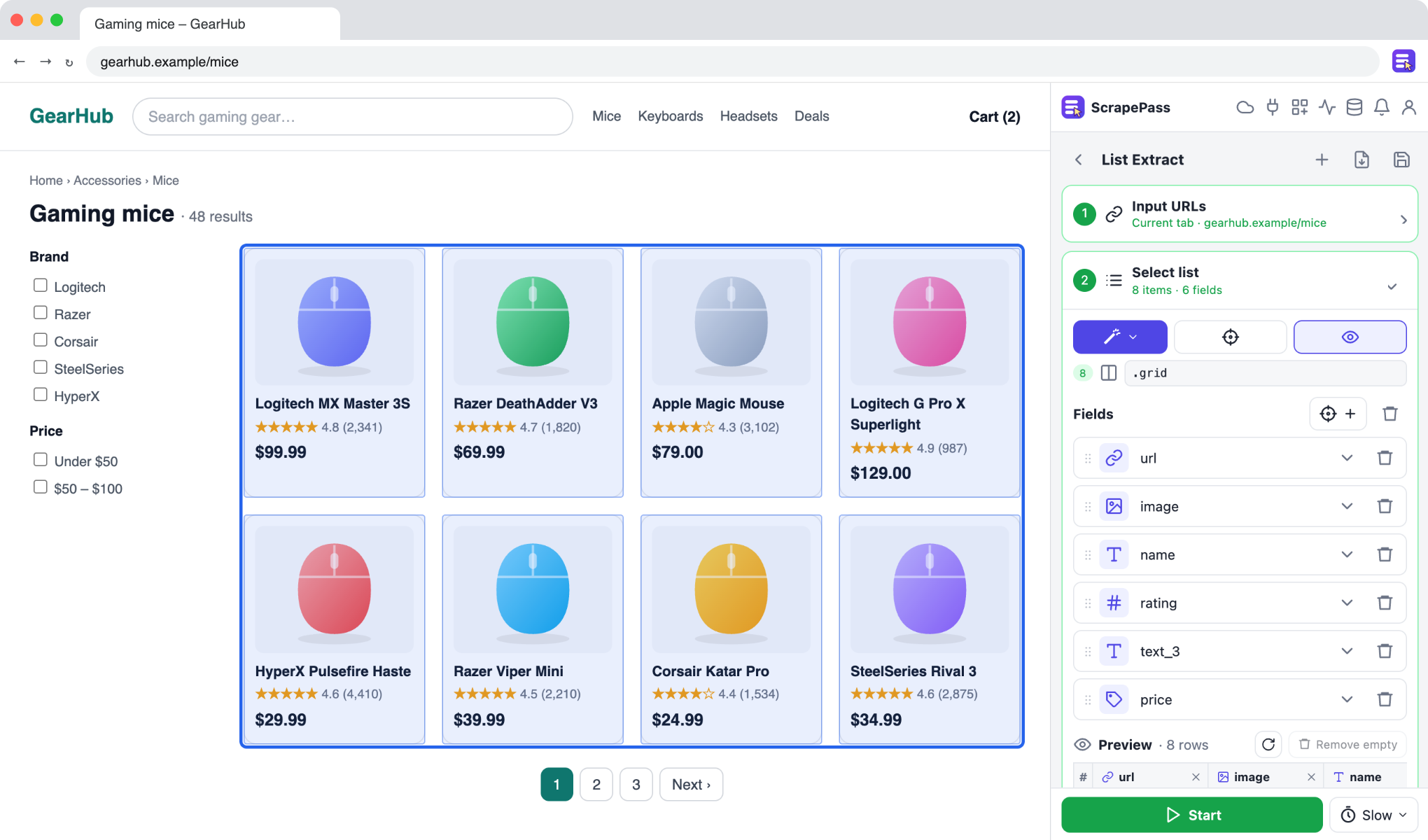
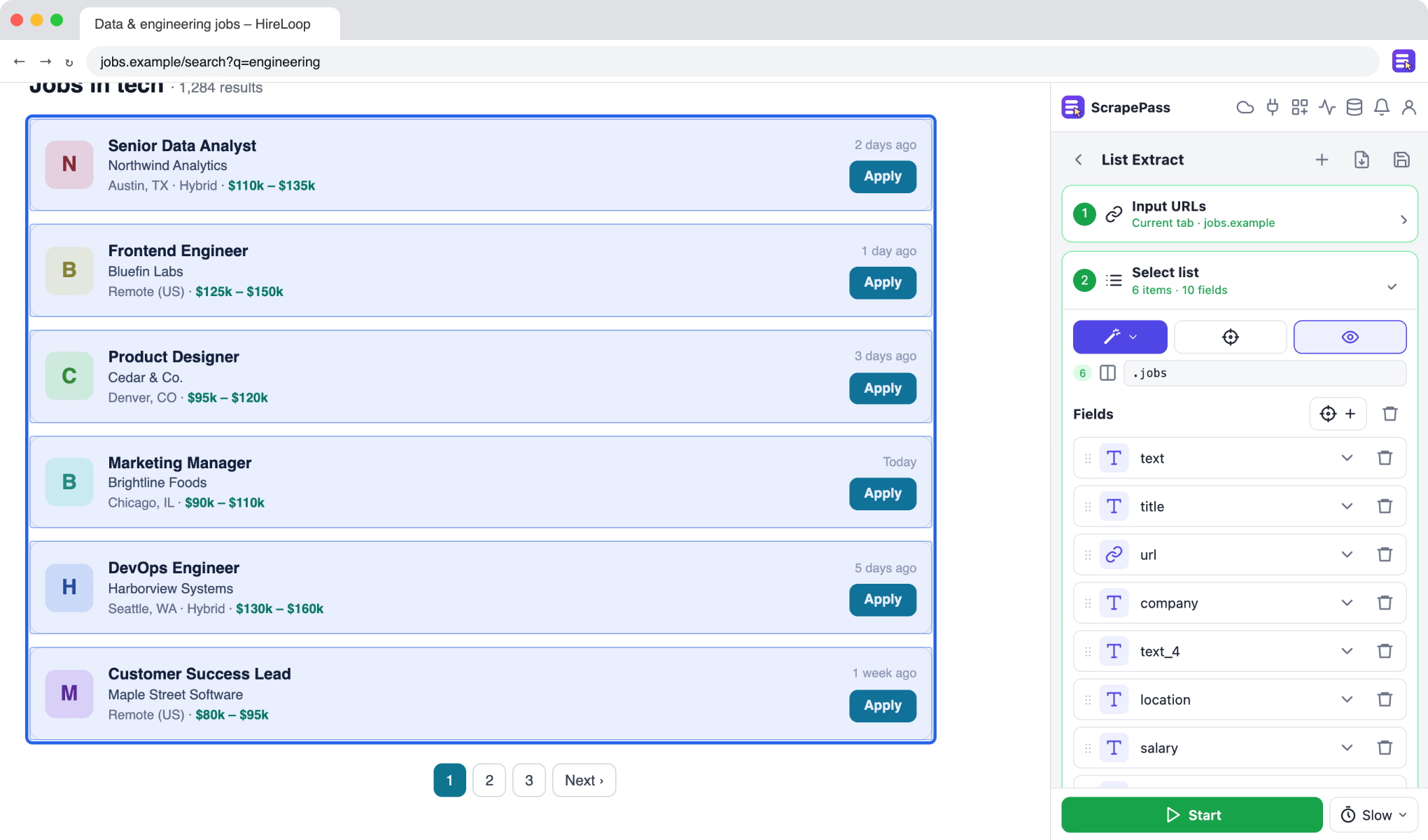
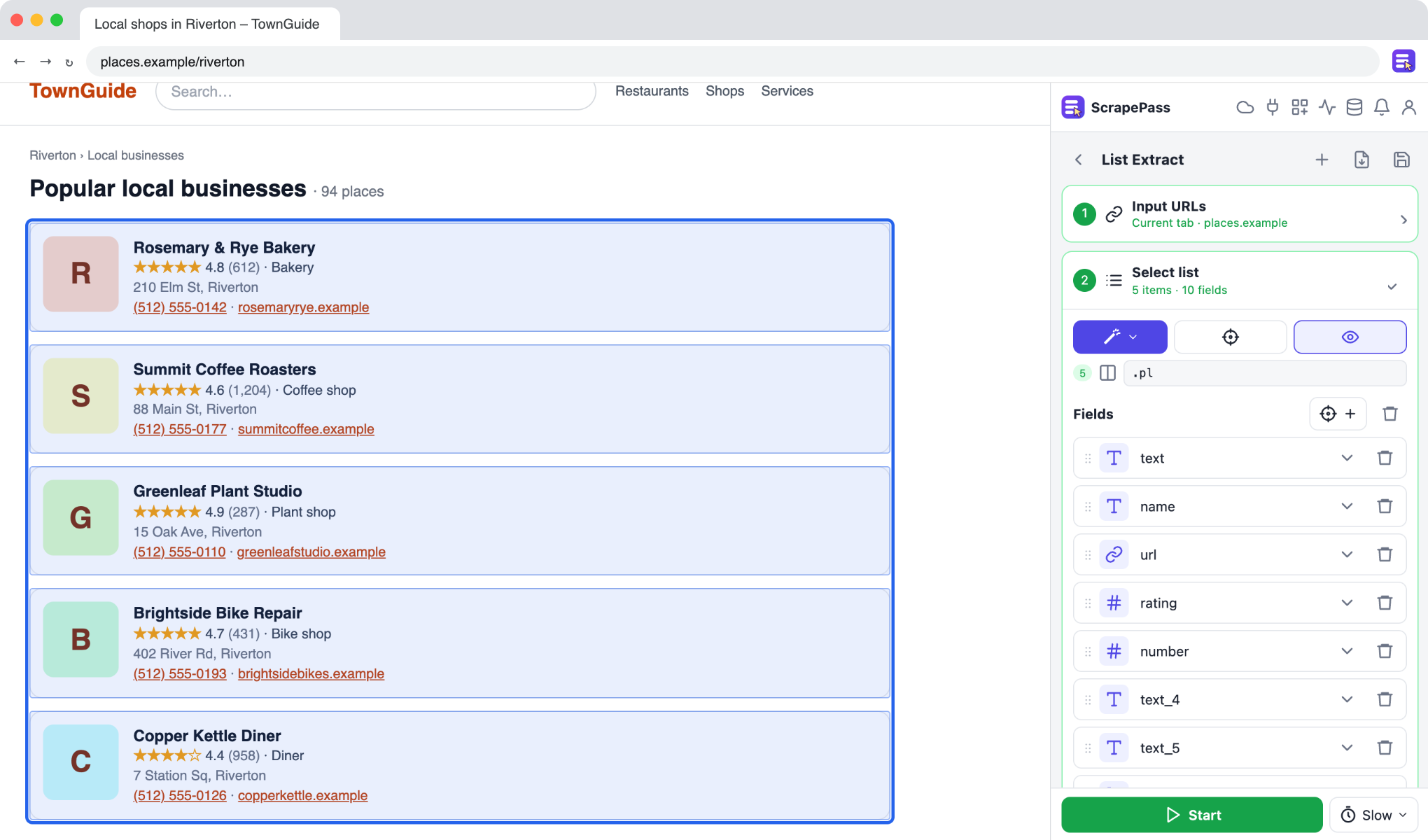
ScrapePass in the side panel, on an example page. The fields on the right were found automatically.
Compare property listings
Put addresses, prices, bedrooms, and sizes from listing pages side by side.
List ExtractMagic: PropertyNo coding required
How to do it
- 1Open a listings page and choose List Extract.
- 2Use Magic → Property to fill address, price, beds, baths, and area.
- 3Turn on pagination to cover every results page.
- 4Export and sort or filter in your spreadsheet.
Only extract data you have the right to access and use, and follow each site’s terms.