← All use cases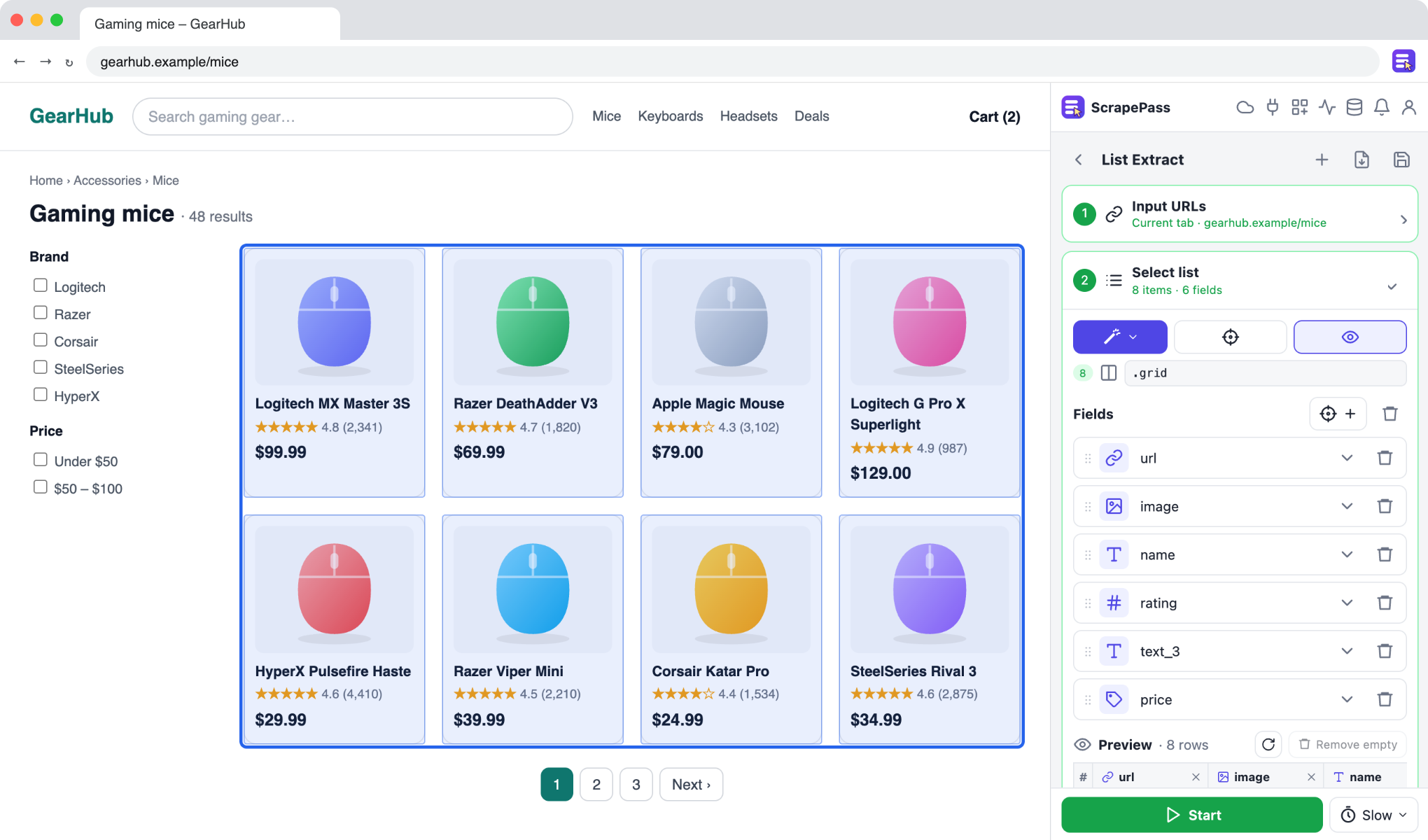
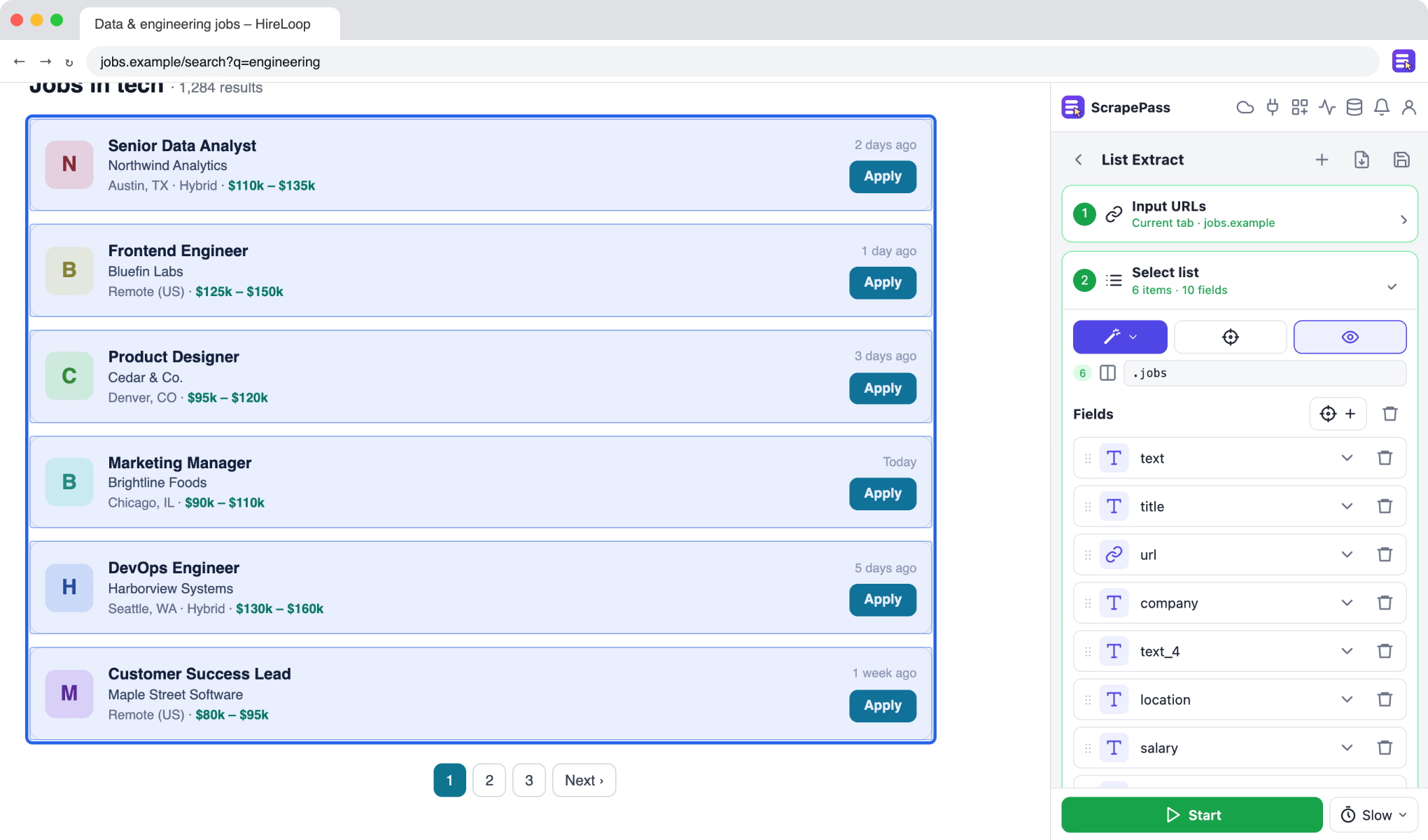
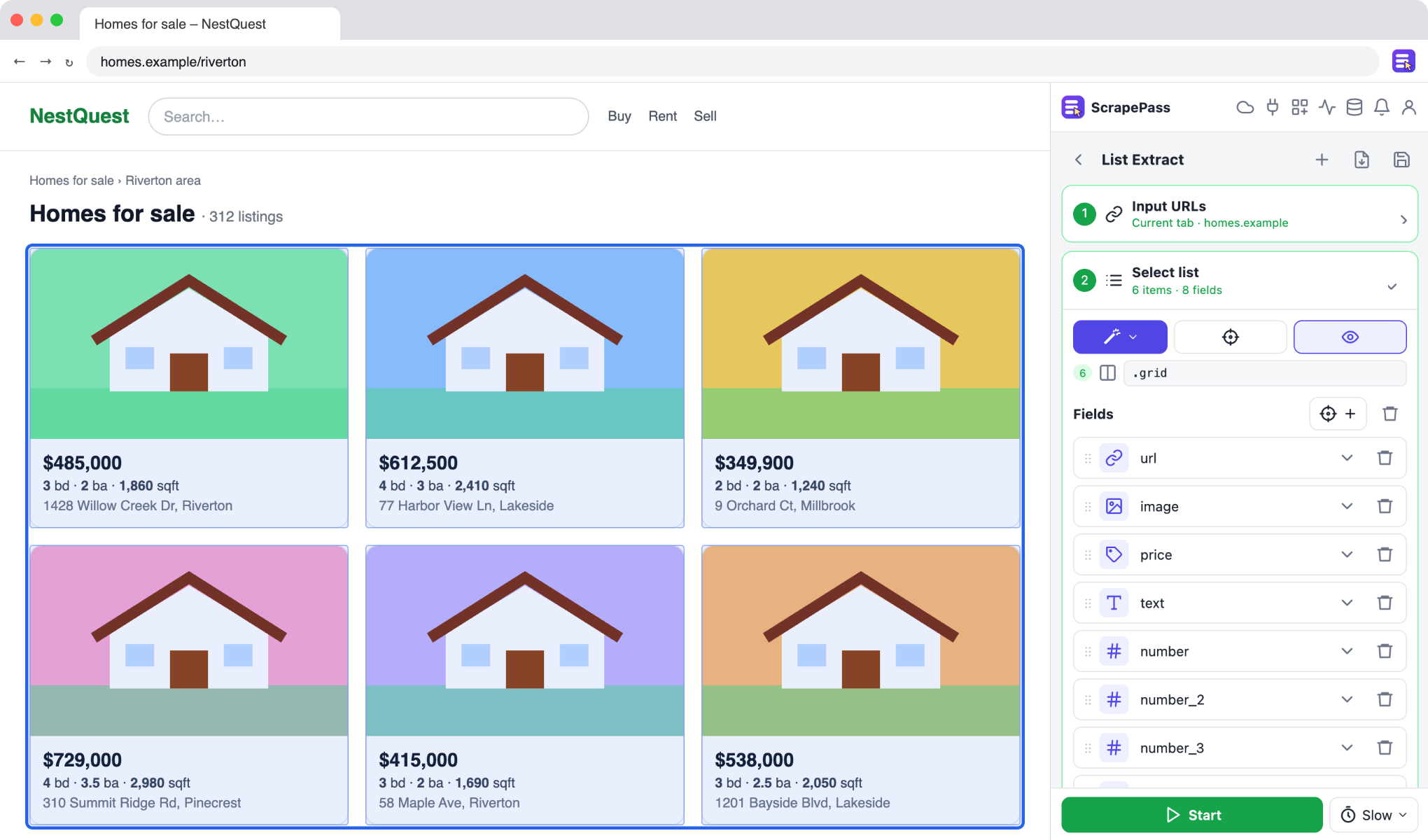
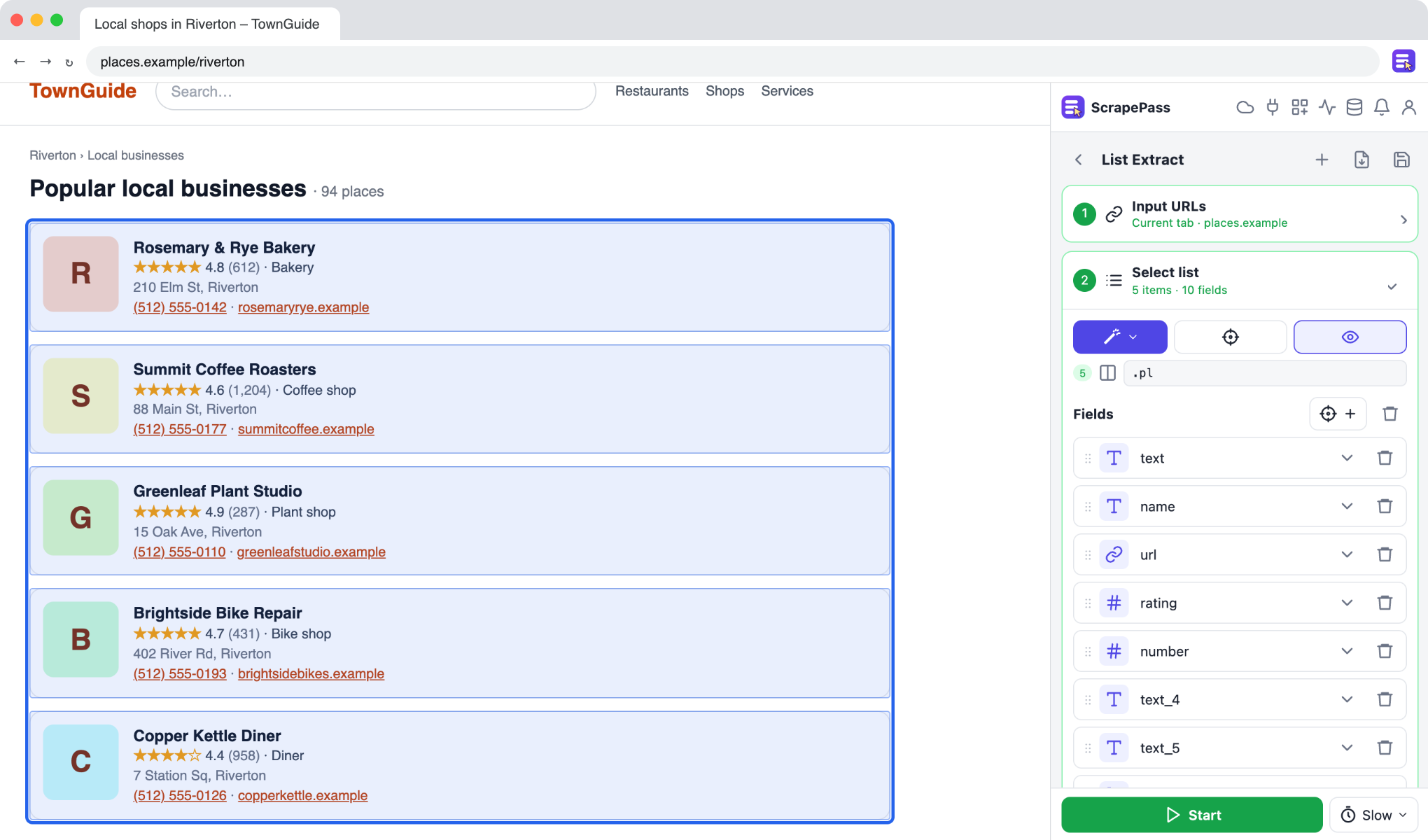
ScrapePass in the side panel, on an example page. The fields on the right were found automatically.
Turn product listings into a spreadsheet
Collect names, prices, ratings, and links from any store’s search results or category pages.
List ExtractMagic: ProductNo coding required
How to do it
- 1Open a search results or category page and open ScrapePass in the side panel.
- 2Choose List Extract, then Auto-detect or Magic → Product to find the list and its fields.
- 3Set pagination (Next button, scrolling, or “Load more”) to collect every page.
- 4Run it and export to Excel, CSV, or JSON from the Datasets window.
Only extract data you have the right to access and use, and follow each site’s terms.