← All use cases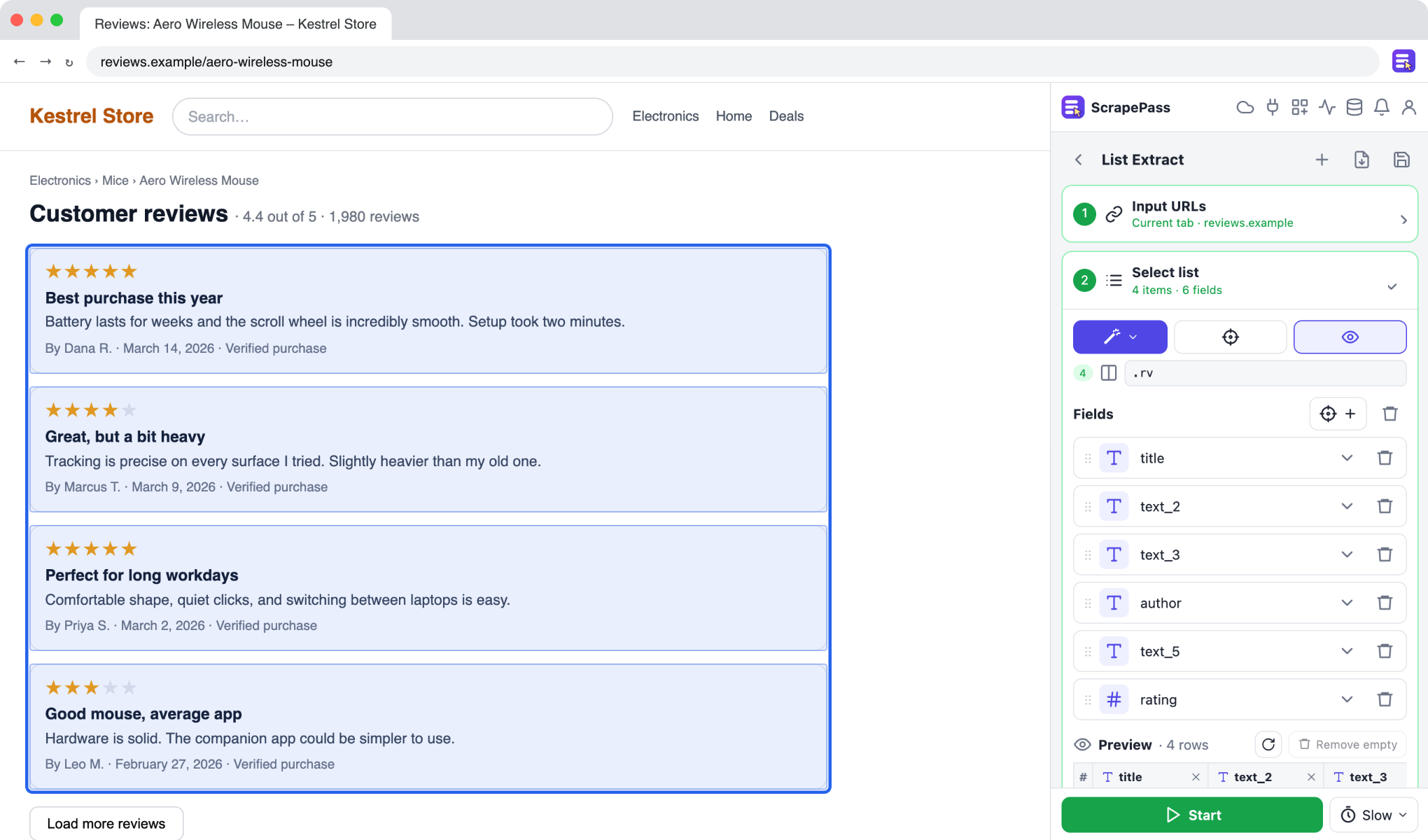
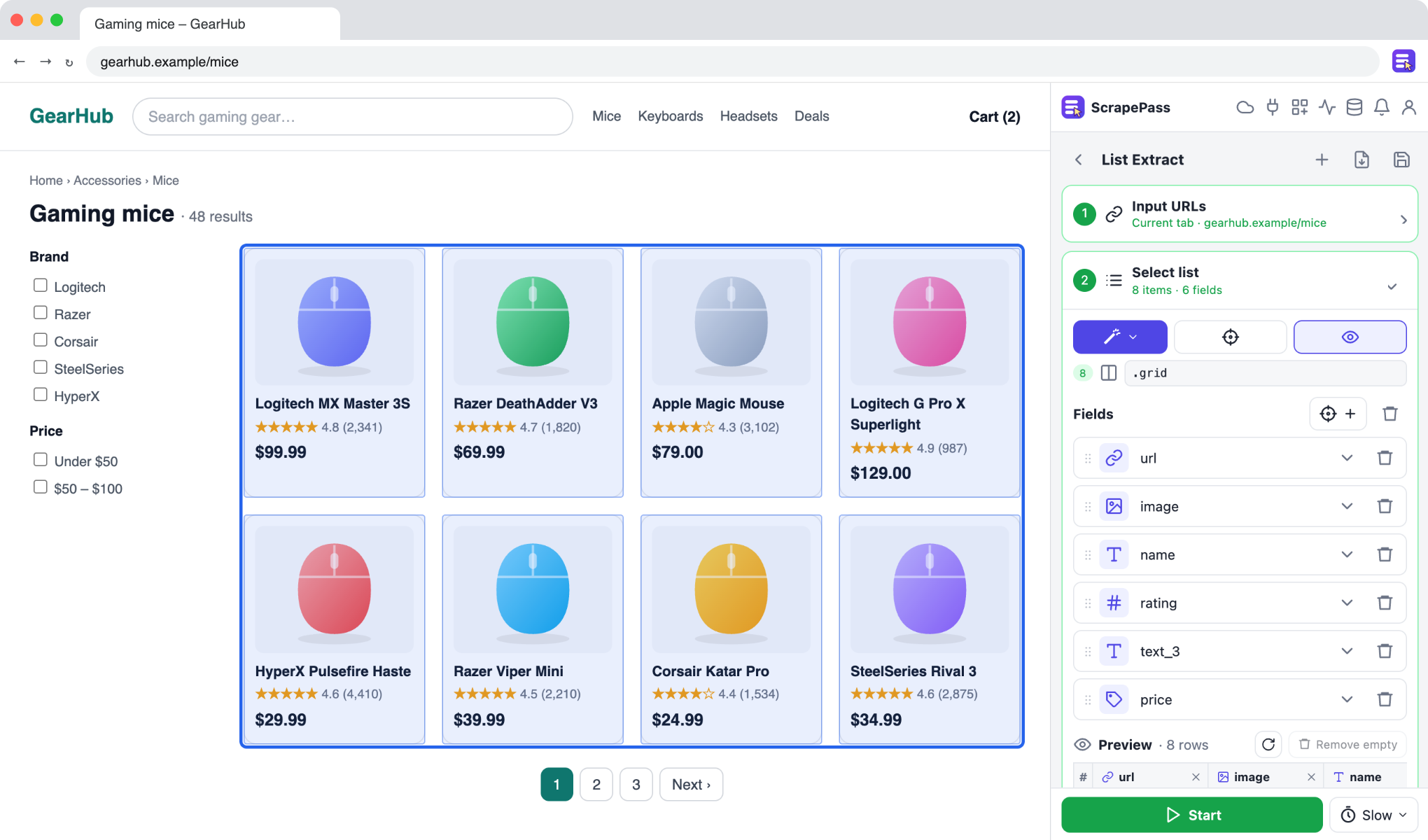
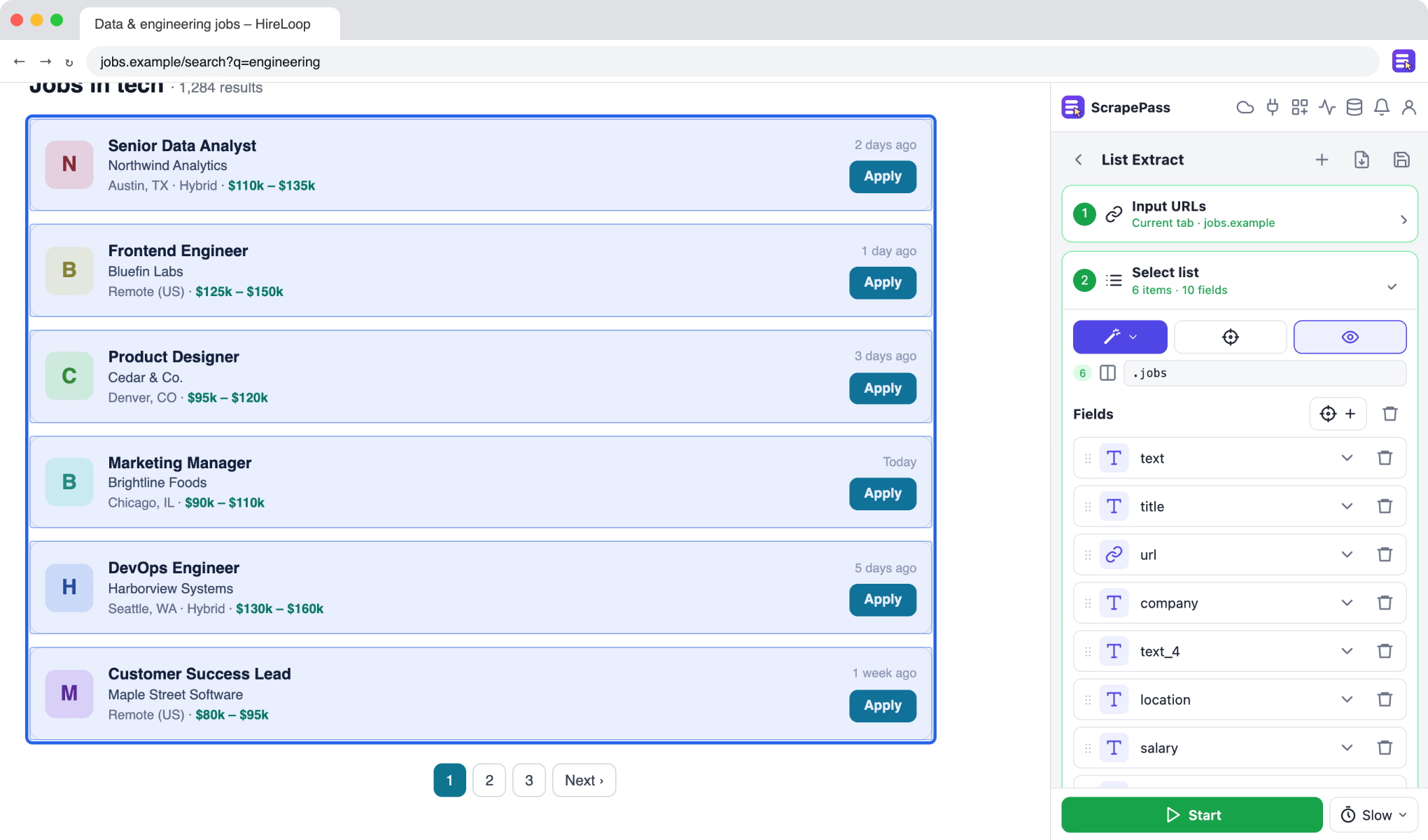
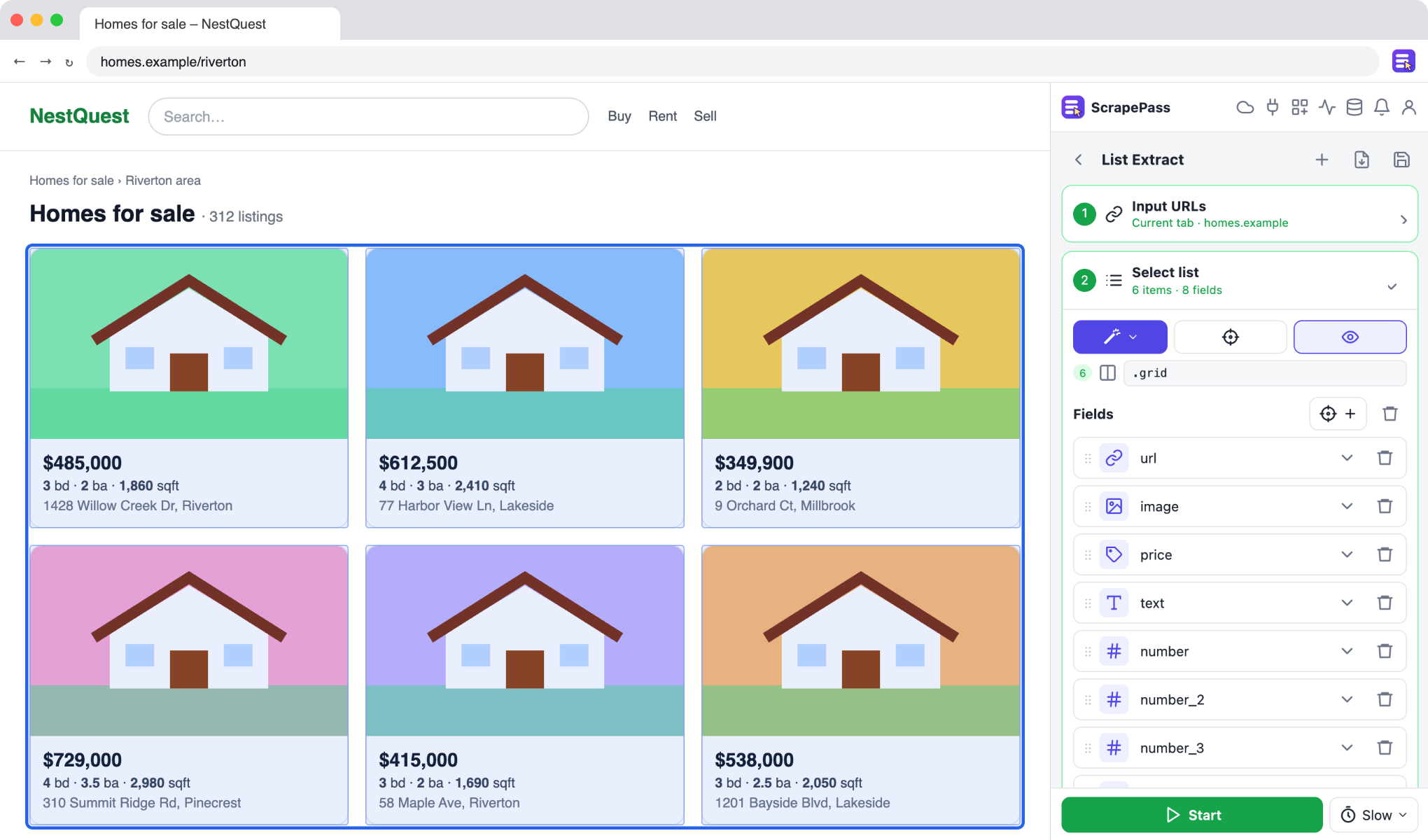
ScrapePass in the side panel, on an example page. The fields on the right were found automatically.
Analyze customer reviews
Export review ratings, titles, text, and dates, including star ratings shown as icons.
List ExtractMagic: ReviewNo coding required
How to do it
- 1Open a page of reviews and choose List Extract.
- 2Use Magic → Review: star icons are read as numbers.
- 3Use pagination or “Load more” to get every review.
- 4Export to a spreadsheet to sort, filter, or chart them.
Only extract data you have the right to access and use, and follow each site’s terms.