← All use cases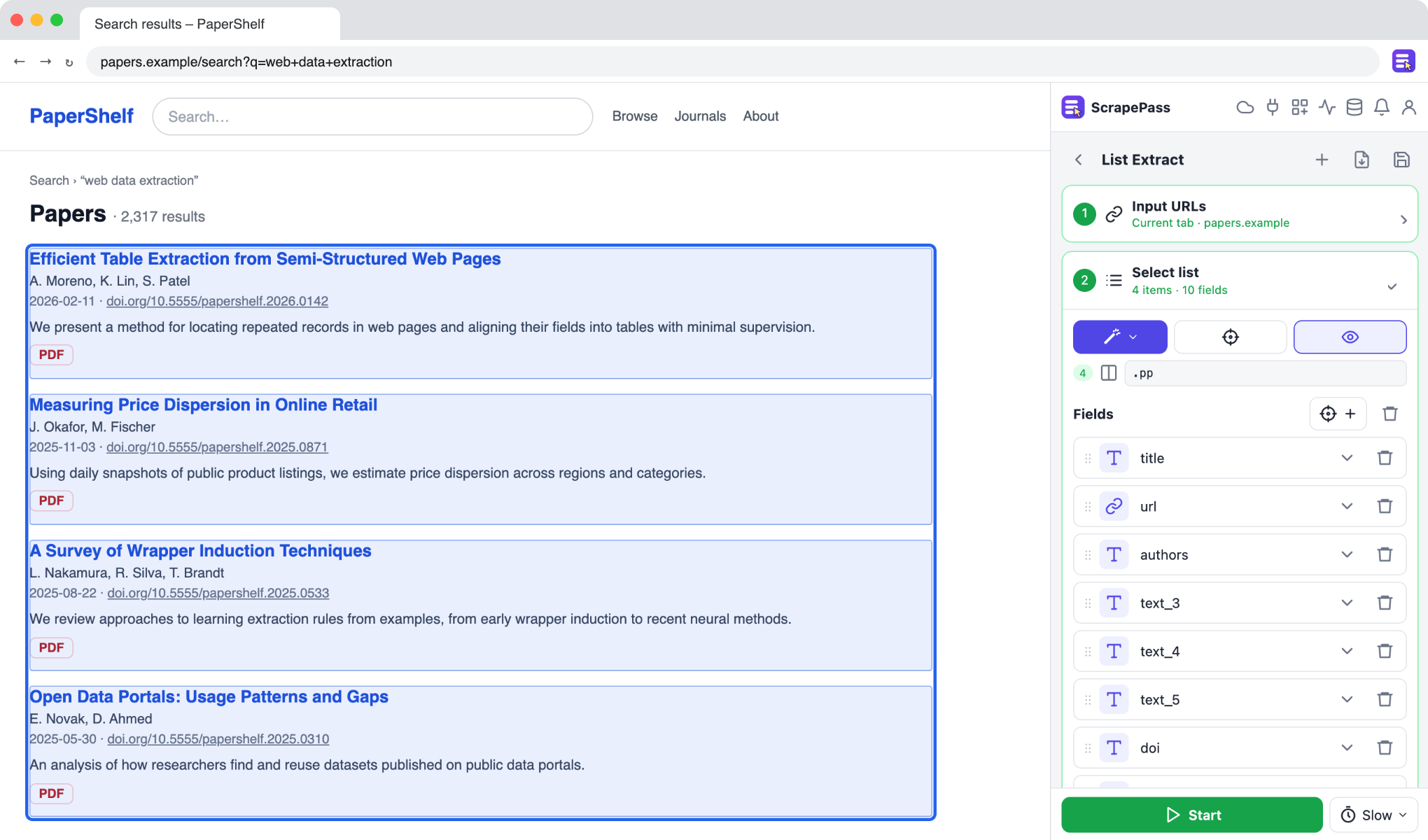
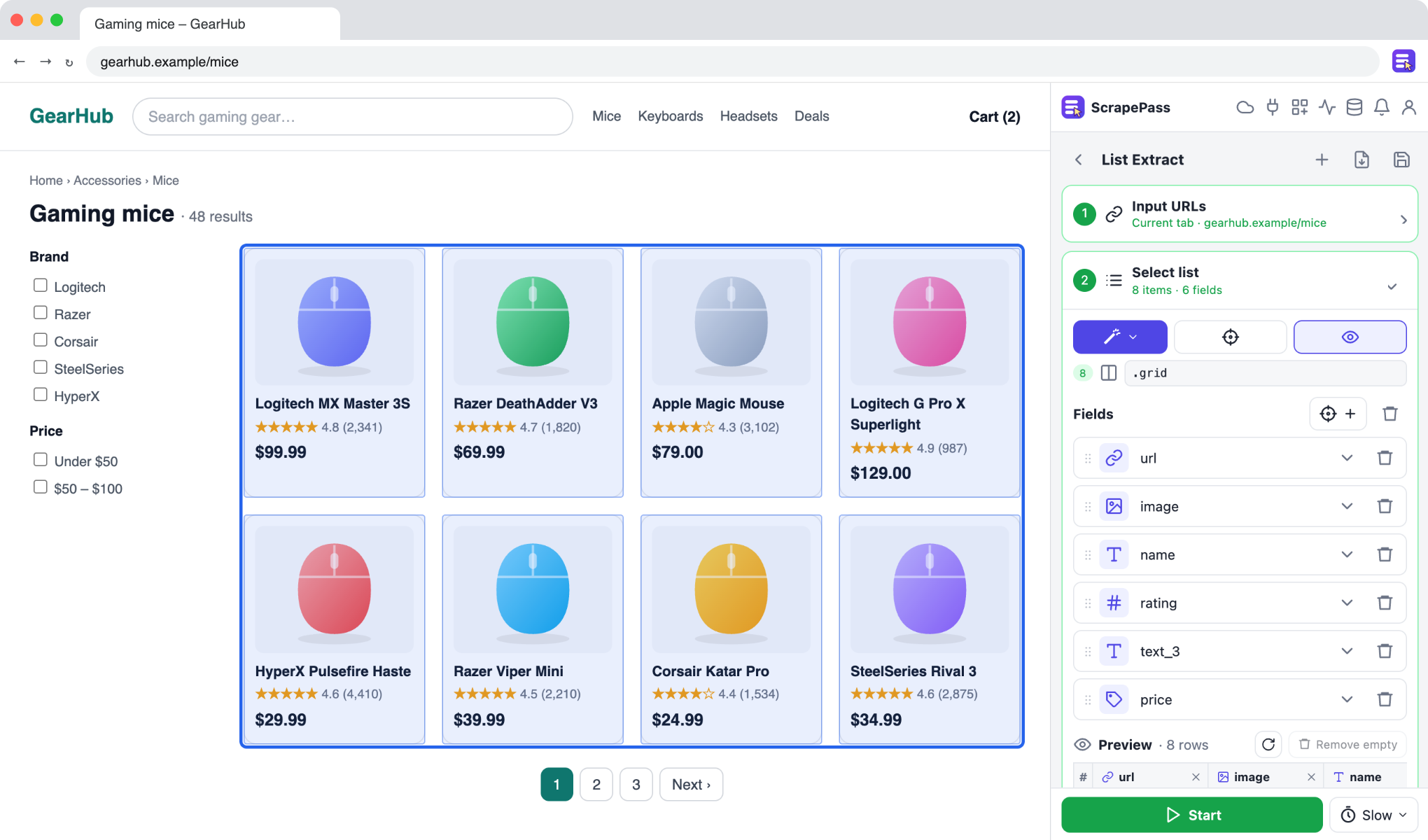
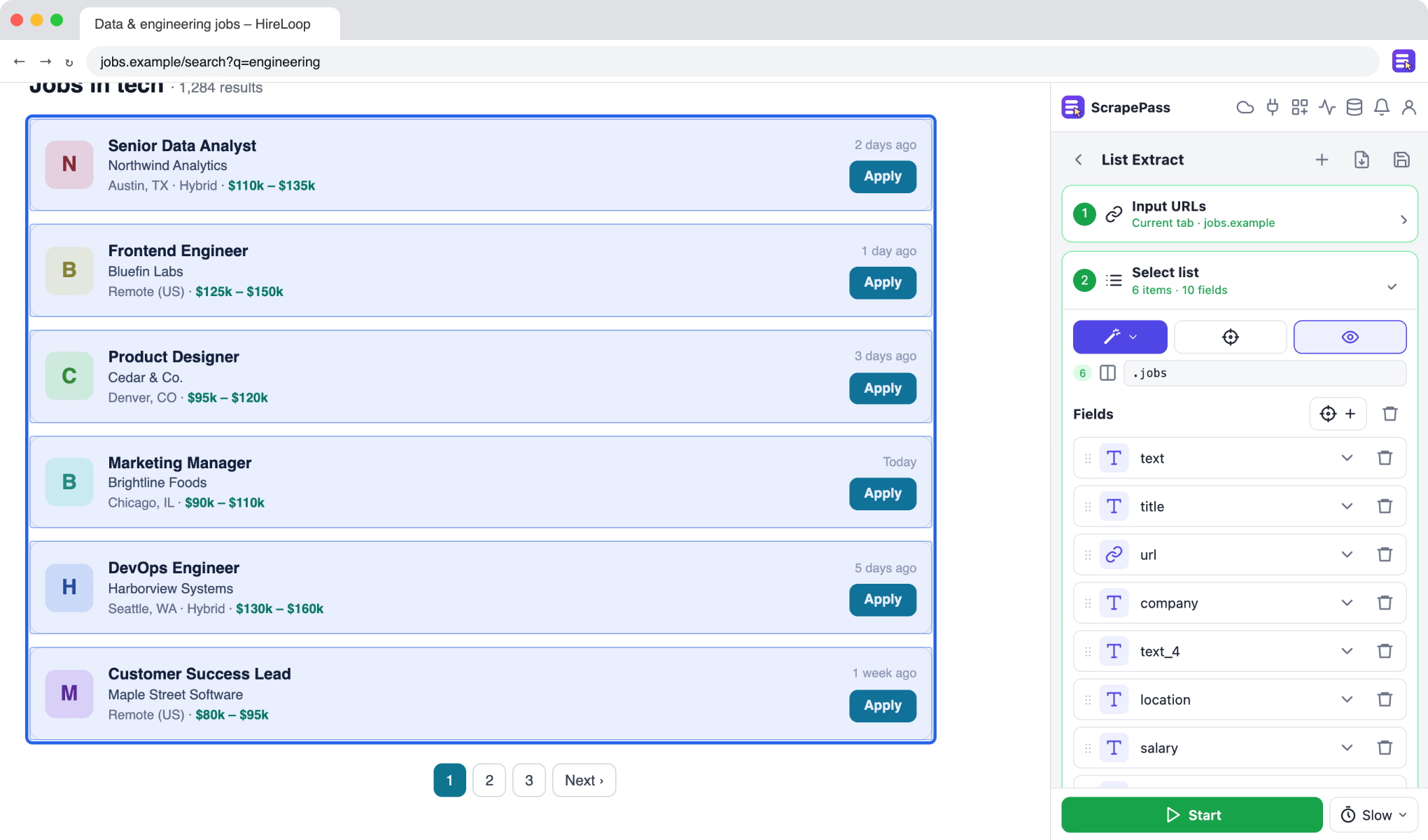
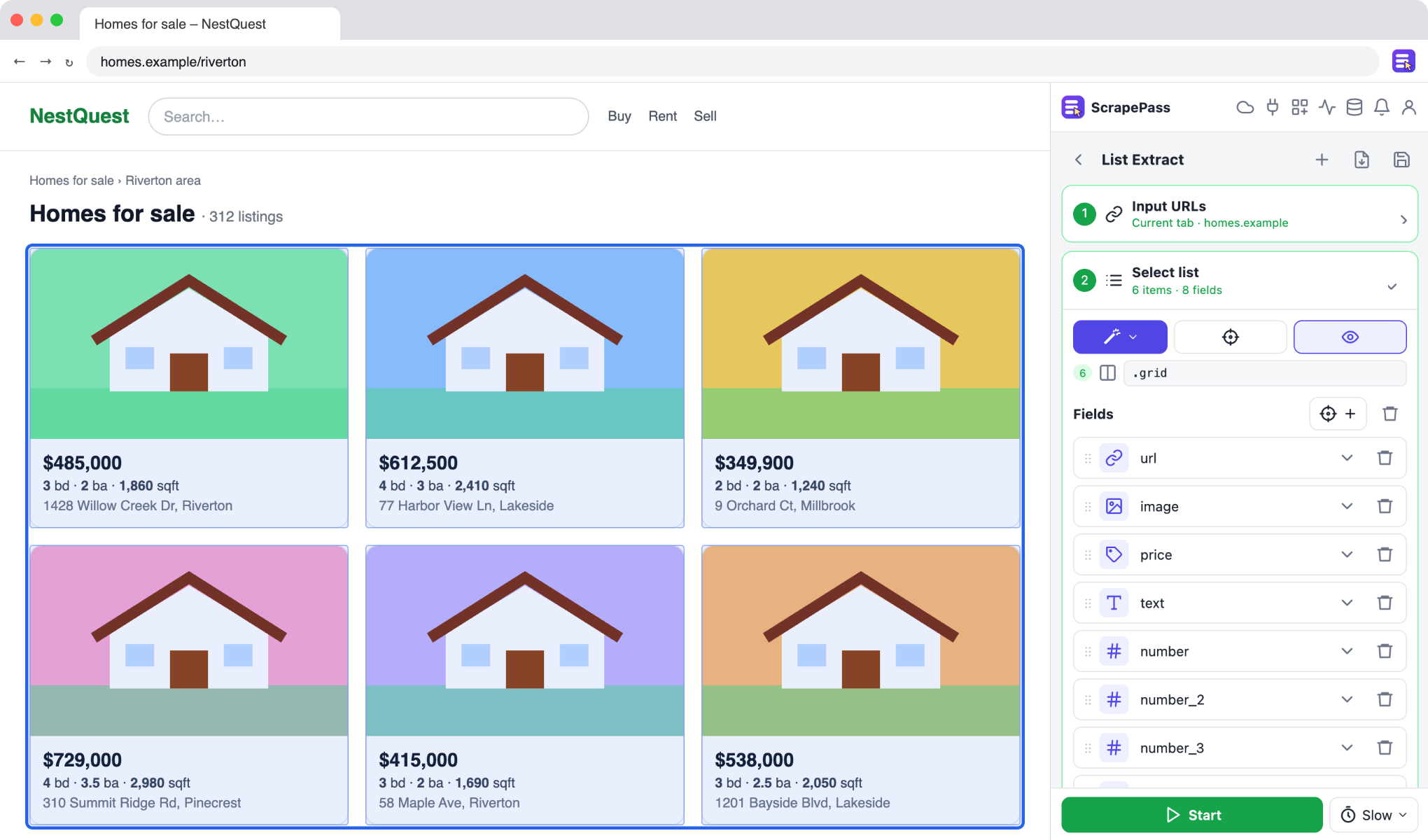
ScrapePass in the side panel, on an example page. The fields on the right were found automatically.
Collect research papers and documents
Gather titles, authors, dates, abstracts, and PDF links from paper listings.
List ExtractMagic: Paper / documentNo coding required
How to do it
- 1Open a listing of papers or reports and choose List Extract (or Detail Extract for single pages).
- 2Use Magic → Paper / document for the usual citation fields.
- 3Export to CSV or JSON for your reference manager or analysis.
Only extract data you have the right to access and use, and follow each site’s terms.